Choose the evidence
Select the survey and saved view. Check which filters are active and confirm the participant and answered counts for each question.

Question-by-question reporting with charts you can edit, complete data tables and written responses.
Charts · Tables · Written responsesSelect the survey and saved view. Check which filters are active and confirm the participant and answered counts for each question.
Put the full question above its chart. For matrices, preserve the statement wording and response scale; do not replace them with an unexplained average.
Choose a chart that matches the question. Keep ordered scales in their original order. Use a separate data-table slide when labels or categories are too long.
Open the PowerPoint and confirm charts can be edited. Compare chart totals with the table and include the reporting date, filters and response base.
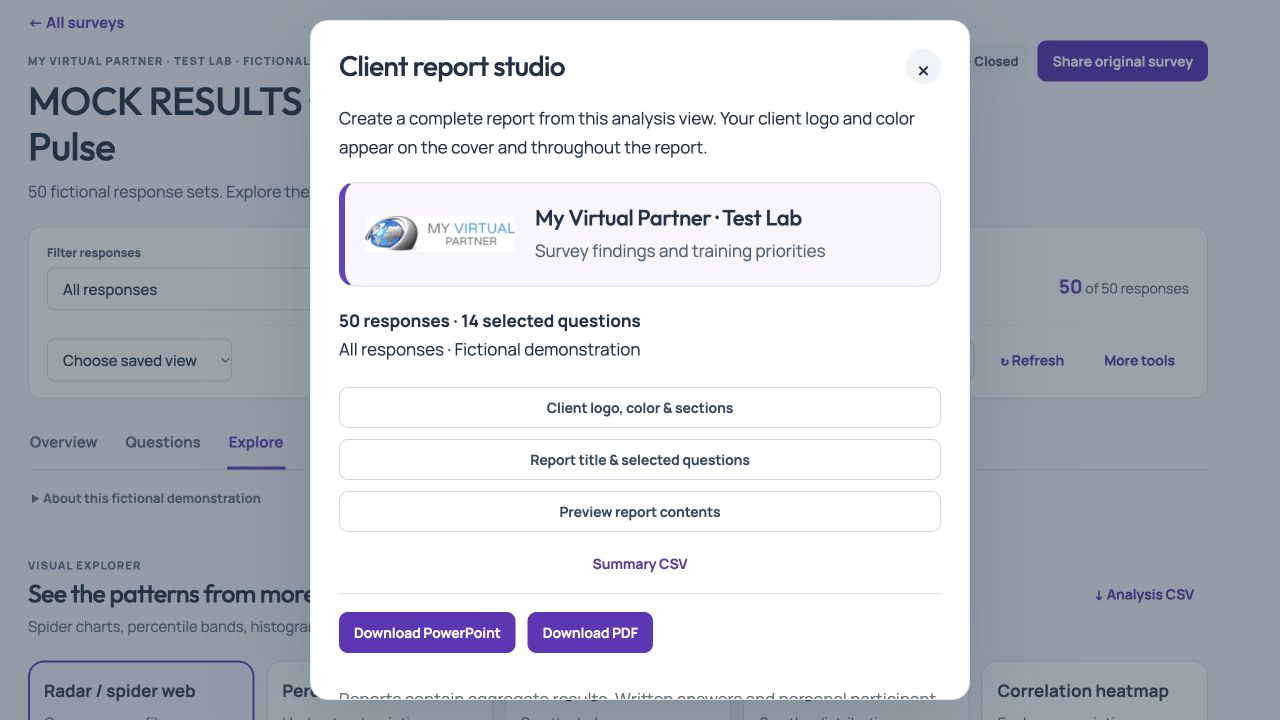
Explore the product with a fictional survey, or follow the illustrated Help Center for detailed instructions.
Use editable PowerPoint for a presentation you need to refine, PDF for a finished document, and Excel for question summaries or a table book. Inspect a representative short question, long label, matrix, multiple-selection question and written response before delivering a large report.
Keep the full question, active filters and answered count with each finding. For multiple selections, percentages can total more than 100%; the survey percentage guide explains how to label the base. A small filtered group also needs a privacy review before circulation.
For row-level research data, use the separate SPSS, Stata, R and Python analysis package. A presentation report and a response dataset serve different tasks, so confirm which your client needs.
Walk through Survey Studio with us. Review current memberships for feature availability and limits.