Test reporting
Check editable PowerPoint charts, PDF output, spreadsheet exports and open-ended responses using your own question types.

Explore Survey Studio for training and client reporting. Try the demo, inspect the results and see how the workflow fits your work.
Explore · Compare · ReportCheck editable PowerPoint charts, PDF output, spreadsheet exports and open-ended responses using your own question types.
Apply multiple filters, compare independently defined groups and save a view. Confirm that counts and missing responses remain understandable.
Open an invitation on a phone without signing in. Check matrix questions, branching and completion.
Review the current memberships page for survey, response, creator and export limits. Competitor features and pricing can change; this page does not claim universal superiority.
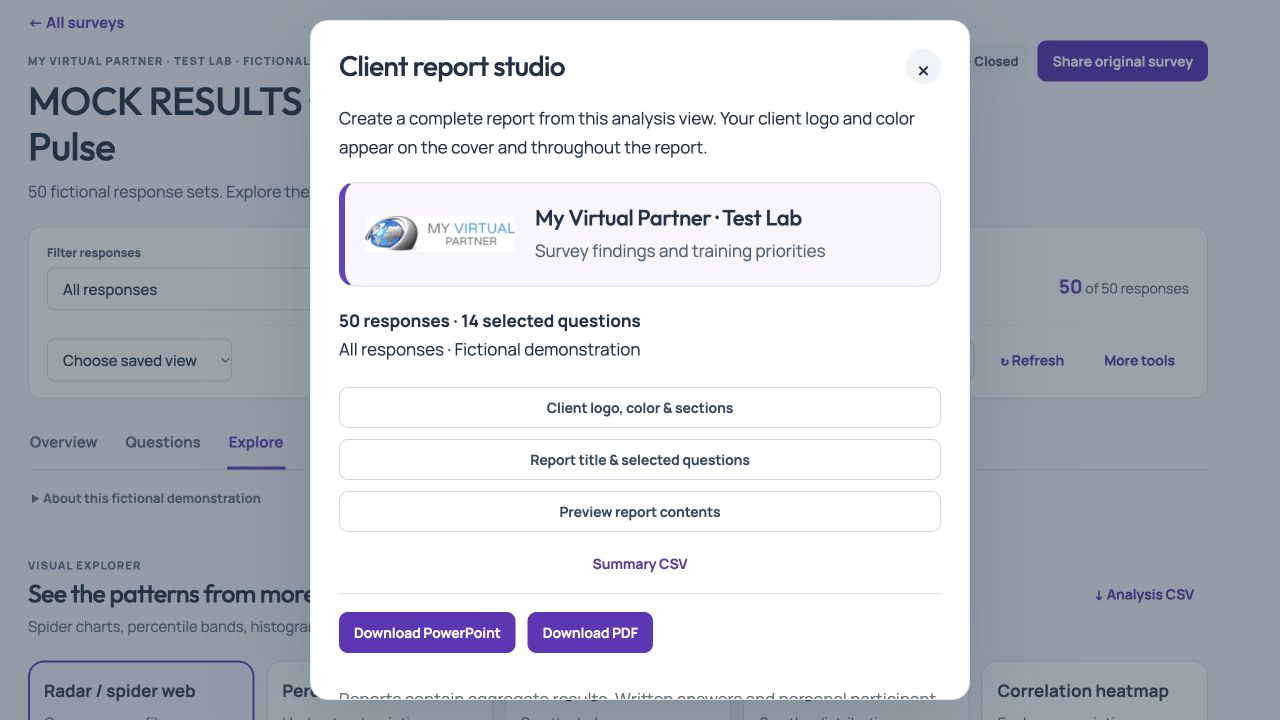
Explore the product with a fictional survey, or follow the illustrated Help Center for detailed instructions.
If you are considering a SurveyMonkey alternative, run the same short task in each shortlisted tool: build your question types, complete the survey on a phone, filter the results and open the exported files. Check the membership and permissions required for every step.
For training and client work, try pre, post and follow-up measurement, editable PowerPoint reporting and a coded data export with a codebook. Keep a record of any workflow you cannot complete. Features and pricing change, so verify another provider’s current documentation before selecting a plan.
Survey Studio’s interactive sample uses fictional responses. It is a way to examine the workflow, not evidence of customer research outcomes.
Walk through Survey Studio with us. Review current memberships for feature availability and limits.